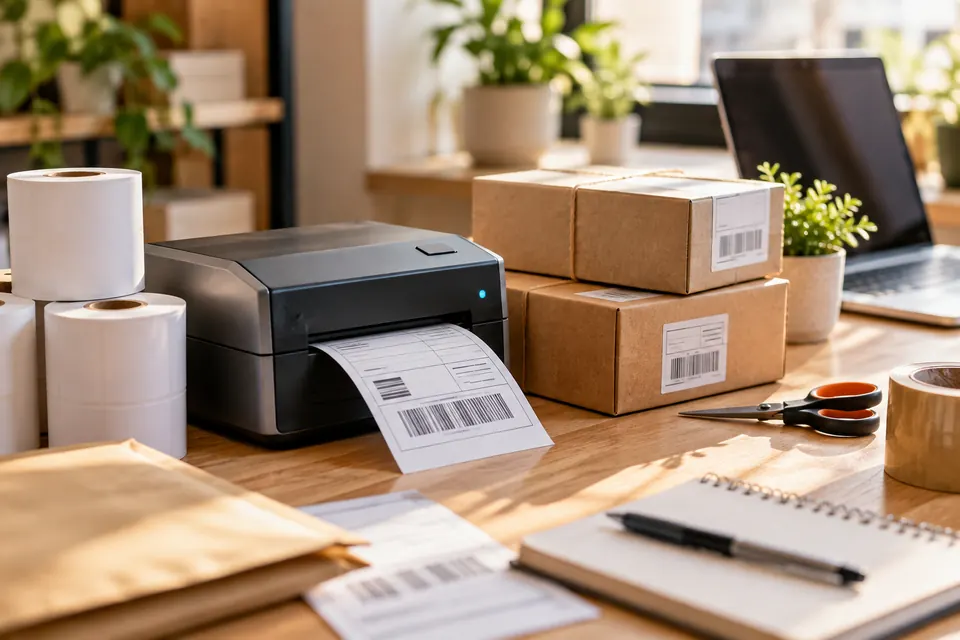
Label Printers
Setup, troubleshooting, labels, shipping workflows and buying guidance.
Clear troubleshooting, setup guides and practical buying help for the products you use at home, at your desk and when you ship.
Each library is organized around setup, common problems, maintenance and useful buying decisions.
Setup, troubleshooting, labels, shipping workflows and buying guidance.
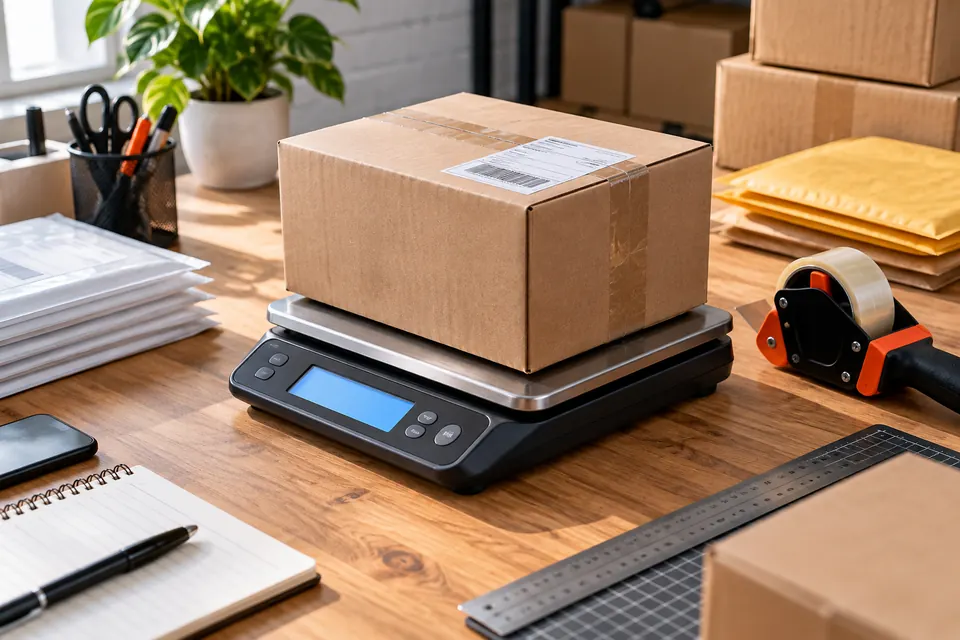
Scale accuracy, packaging, weighing and smoother home-shipping workflows.
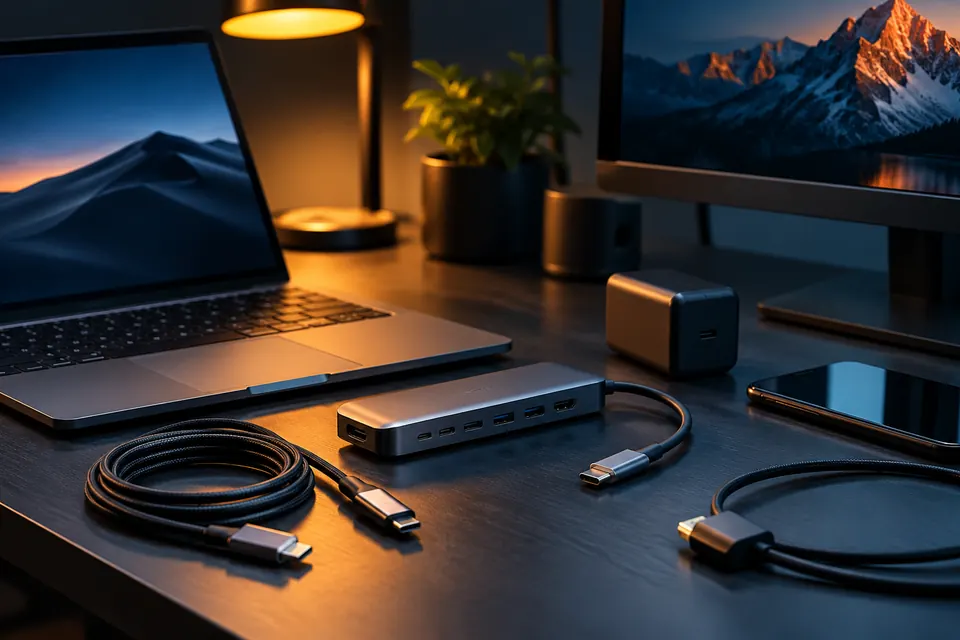
Cables, chargers, hubs, docks and connection problems explained clearly.
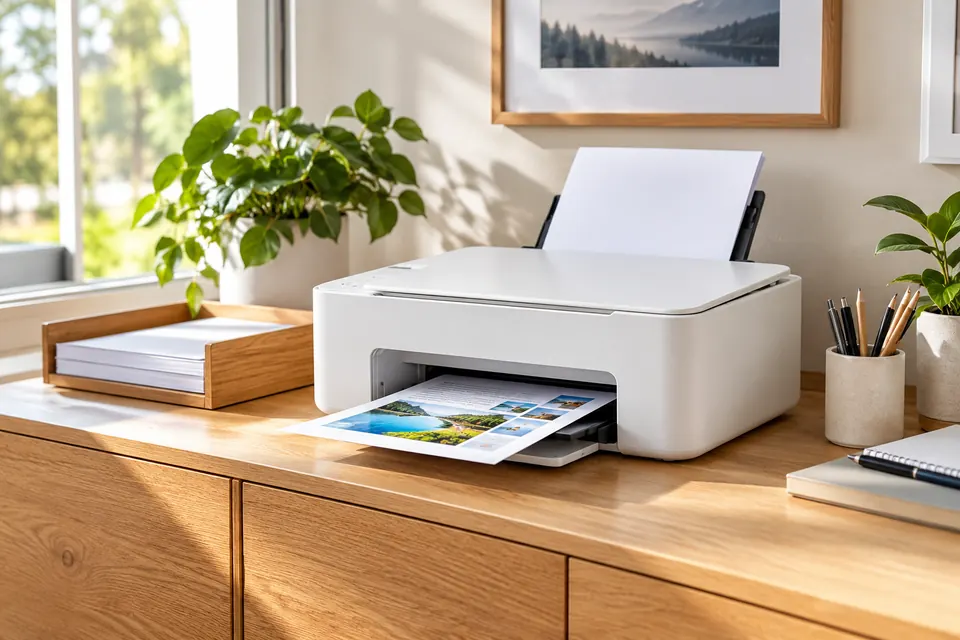
Printing, Wi-Fi, ink, paper and setup help for everyday home printers.
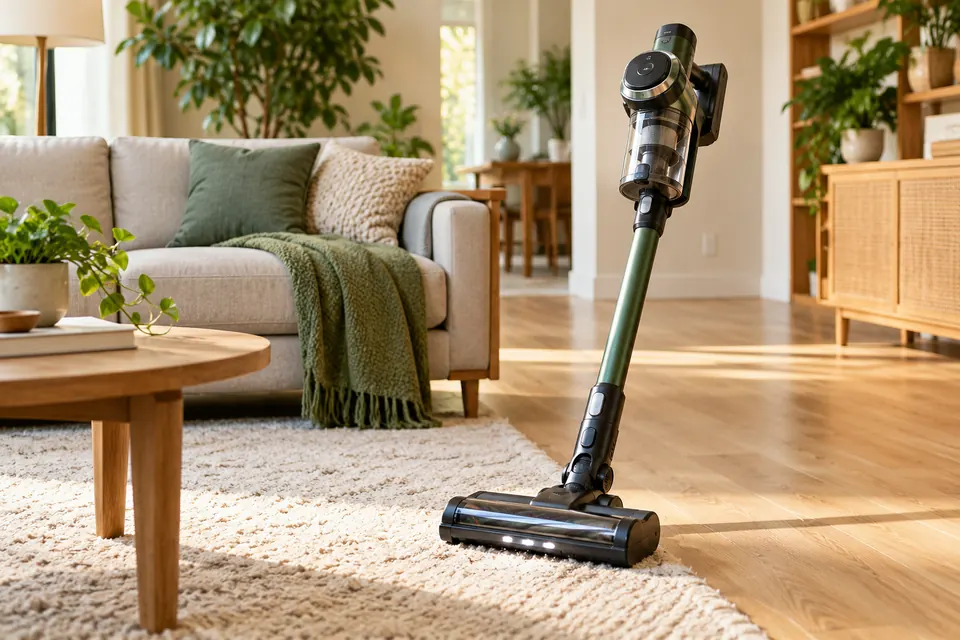
Loss of suction, brush-roll issues, maintenance and practical cleaning help.
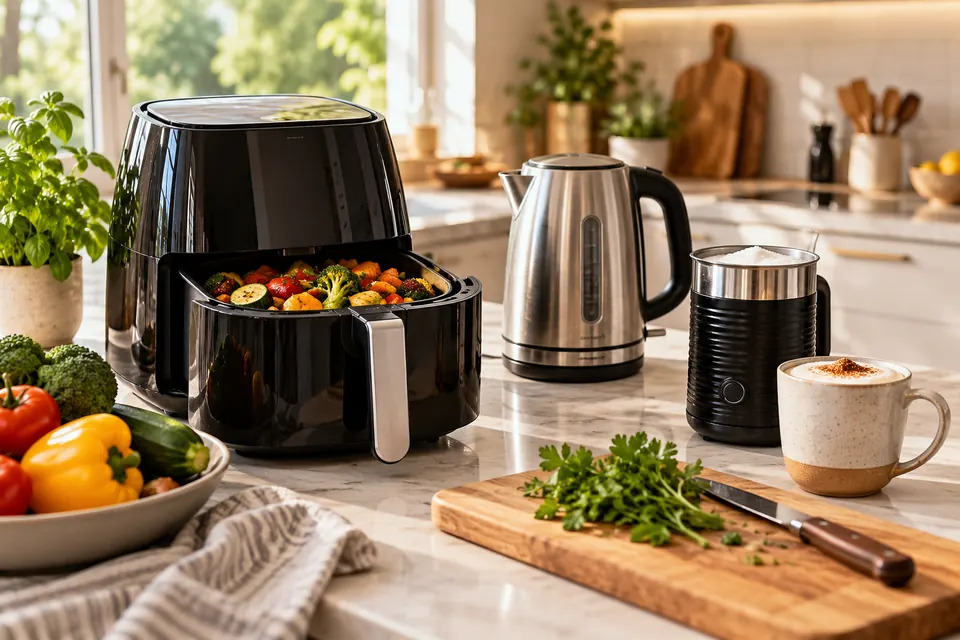
Troubleshooting and everyday-use guides for small kitchen appliances.
A good fix starts by separating the symptom from the cause. Pick the problem you actually see before changing another setting or buying a replacement.
Search all fixesThe deepest Anboxing library: setup, blank labels, calibration, sizing, supplies, shipping workflows and practical buying decisions.
If your vacuum loses suction, check the bin or bag, filters, clogs, seals, hose and floorhead in this safe step-by-step diagnosis order.
Read the guidePractical guide to electric kettle not turning off: likely causes, step-by-step checks, safer next steps, and clear signs that it is time…
Read the guidePractical guide to coffee grinder static grounds everywhere: likely causes, step-by-step checks, safer next steps, and clear signs that it is time…
Read the guidePractical guide to countertop ice maker not making ice: likely causes, step-by-step checks, safer next steps, and clear signs that it is…
Read the guidePractical guide to air fryer smells like plastic: likely causes, step-by-step checks, safer next steps, and clear signs that it is time…
Read the guidePractical guide to air fryer smoking no food: likely causes, step-by-step checks, safer next steps, and clear signs that it is time…
Read the guideWe separate documented facts from firsthand testing, link readers to useful sources, and organize troubleshooting in a sequence that helps avoid unnecessary resets and purchases.
Read our editorial policy